
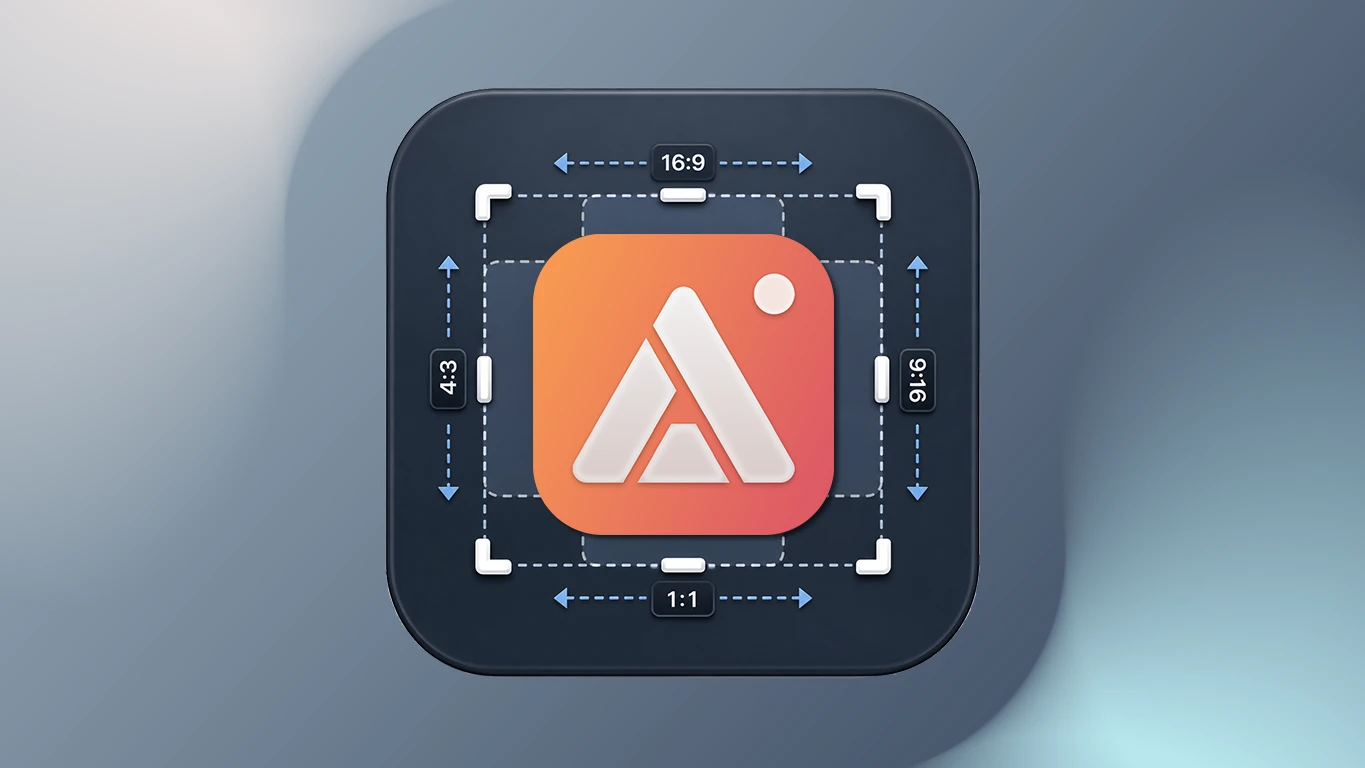
A screenshot that looks fine on its own rarely fits the platform it's meant for. Square for a feed post, tall for a story, wide for a thumbnail — and the usual fix is capturing once, then dragging the image into a second tool to crop it down to whatever ratio that platform demands. AldooSnap builds that resizing step into the capture itself.
Every Platform Wants a Different Shape
A wide dashboard screenshot doesn't fit a square Instagram post. A full-screen capture doesn't fit a vertical story. A random crop rarely lines up with the safe area a thumbnail template expects. None of this is complicated to fix by hand — it's just one more app, one more export, one more file to keep track of before the post actually goes out.
Pick the Ratio Before You're Done Capturing
AldooSnap's Aspect Ratio & Size tool sits right in the Area selection bar — the ratio gets picked as part of taking the screenshot, not as a separate step afterward.
- Click the AldooSnap icon in the menu bar and choose Image → Area.
- Drag a rough selection over the content you want.
- Open the Aspect Ratio & Size tool and pick a preset — 1:1 for a feed post, 9:16 for a story or reel cover, 16:9 for a video thumbnail, or type exact pixel dimensions if the platform has specific requirements.
- The selection snaps to that ratio instantly — reposition it if needed, then capture.
- Mark it up if it needs a label or arrow, then finish with Save to file or Copy share link.
Turn a Recording into a Looping Clip
Some posts need motion, not a still. Record a quick Video → Area or Screen clip, trim it down to the part worth watching, and click GIF instead of Copy Link — a short looping preview (up to 30 seconds, 15fps, 640px wide) that plays automatically wherever it's dropped, without anyone needing to click through to a video player.
Quick Photos Without Reaching for Your Phone
For a profile photo, a reaction shot, or a quick "here's what I look like today" post, Image → Photo opens a webcam booth with a countdown — Instant, 3s, 5s, or 10s — so there's a beat to get in frame, and every shot lands in a film-roll you can pick the best one from before sharing.
None of this is about producing polished content — it's about not losing ten minutes to resizing every time a capture needs to fit somewhere specific. Pick the ratio once, up front, and the export is already the shape it needs to be.