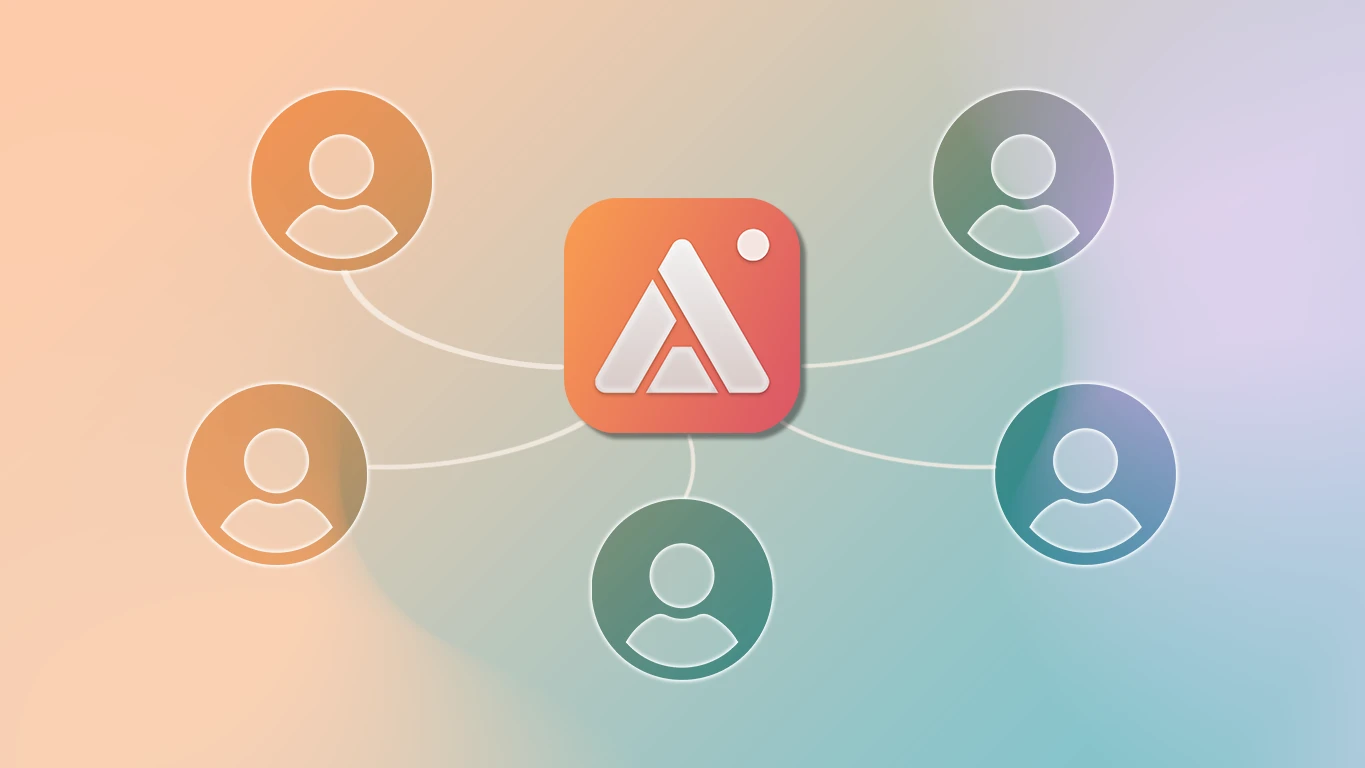
Buying a tool for one person is easy. Buying it for a team usually isn't — individual purchase links to send out, license codes to track in a spreadsheet, and no clean way to tell who's actually activated it versus who still has the email sitting unread. AldooSnap manages all of that from a single license, not one purchase per person.
Licensing a Tool for a Team Is Usually a Hassle
The usual pattern is buying N individual licenses, generating N codes, and manually keeping track of who redeemed which one. Someone always loses the email, someone always ends up on the wrong plan, and whoever's running the rollout ends up doing IT support for a purchase flow instead of their actual job.
Two Ways to Buy In
A one-time lifetime license is available in seat packs — 1, 2, 5, or 10 Macs at once, with per-tier savings the more you buy up front. A Pro subscription, billed monthly or annually per seat, works better if the team size is still moving — seats can be added or reduced as it changes rather than committing to a fixed pack.
Invite by Email, Not by Purchase Link
- From your account, open Licenses.
- Click Invite on the license and enter the teammate's email address.
- They get an email with the activation instructions — no license code to copy-paste around manually.
- The invite sits in a pending list with a revoke option until they accept, so a typo'd email or a seat meant for someone else doesn't just sit there unresolved.
See Every Seat at a Glance
The license page shows used seats against total seats with a progress bar, so there's no separate spreadsheet to keep in sync. A Users tab lists everyone on the license, and a Devices tab shows every Mac it's activated on — device name, model, and who it belongs to — so you can tell at a glance whether a seat is sitting on someone's old laptop instead of their current one.
Free Up a Seat Without Waiting on Anyone
When someone leaves the team or replaces their Mac, deactivate their device (or remove them from the license entirely) right from the Devices tab — individually or in bulk — and the seat is free again immediately. No need to track them down to uninstall anything first.
Adjust as the Team Grows
On the Pro subscription, seat count can be increased or decreased directly from the account — no support ticket to file for a headcount change. Lifetime licenses are fixed per pack, so scaling up there means buying another pack rather than adjusting an existing one, which is the tradeoff for the plan being a one-time cost instead of a running one.
None of this replaces having an actual plan for who needs the tool and why — it just means the plan doesn't fall apart at the licensing step. One dashboard, one place to check who's set up and who isn't.