
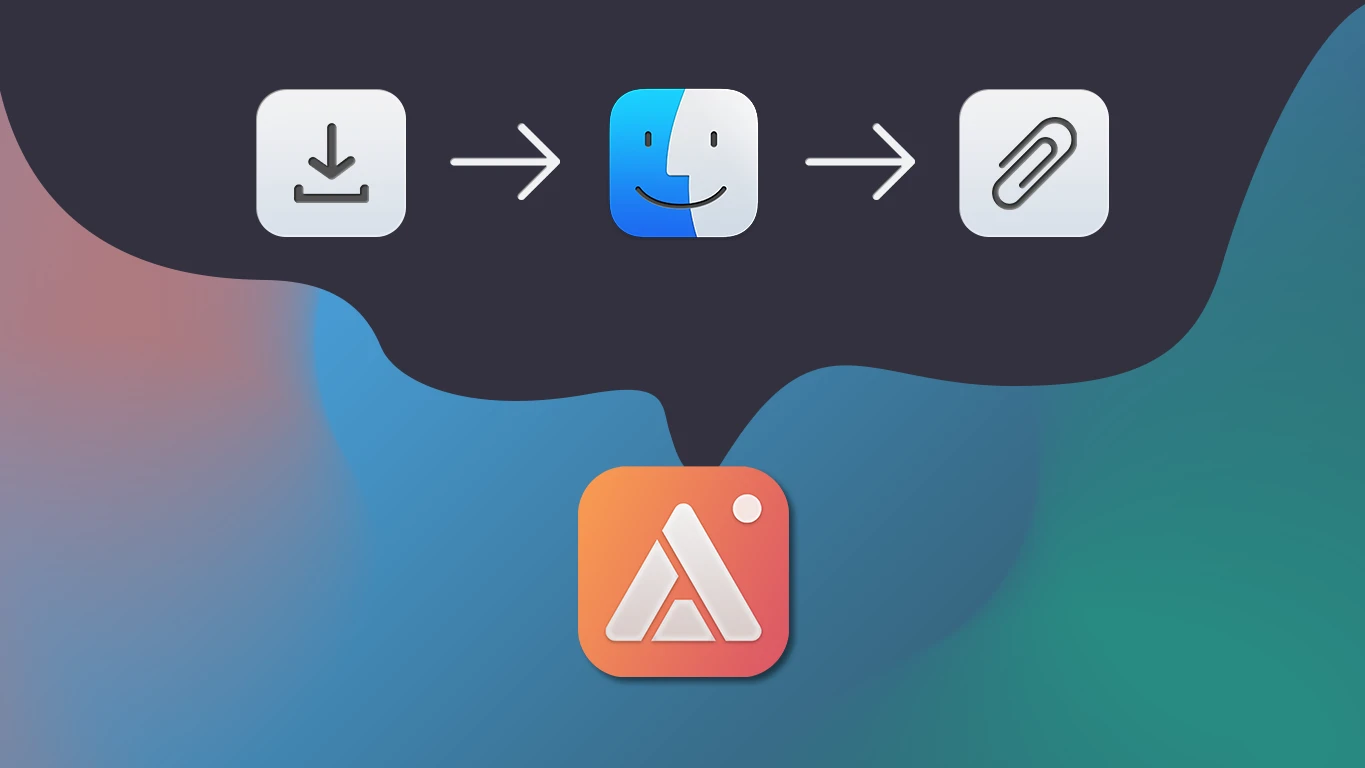
The "just send me a screenshot" request usually turns into more work than the screenshot itself: save the file → find it in Finder → attach it to an email or drag it into a chat → wait for the upload. By the time it lands, the moment has already passed. AldooSnap skips all of that — capture something and it's a shareable link before you've switched windows.
The Download-Then-Send Problem
None of the individual steps are hard on their own — it's the number of them. A screenshot only becomes useful once someone else can see it, and getting from "captured" to "seen" usually means a detour through a file system, an attachment picker, and whatever upload delay the app of the day imposes. Multiply that across every bug report, design note, or quick "look at this" in a normal week, and it adds up to real time spent moving files around instead of doing the work the screenshot was actually about.
One Click Instead of Five Steps
AldooSnap collapses that whole detour into one step. Capture anything — a region of the screen, a full window, a scrolling page, a photo, a screen recording, or a voice note — and it's ready to become a shareable link the moment you're done. No separate upload tool, no attaching, no export dialog standing between the capture and the person who needs to see it.
How It Works
- Click the AldooSnap icon in the menu bar and pick a capture mode — Area, Screen, or Window covers most screenshots.
- Draw the selection (or let AldooSnap grab the whole screen or window), and the capture opens in a preview.
- Click Copy share link. That single click uploads the capture to the cloud and puts a short link on your clipboard, ready to paste.
- Send the link anywhere — chat, email, a ticket, a PR comment. Whoever opens it sees the capture immediately, full quality, no attachment to download first.
If a capture shouldn't be uploaded at all, Save to file or Copy to clipboard keep it local — only clicking Copy share link puts it in the cloud and in your account's gallery. That distinction matters: you choose, capture by capture, whether something stays a quick local note or becomes something worth a link.
It's Not Just Screenshots
The same one-click link works for every capture type, not just stills. A quick screen recording of a bug reproducing itself, a webcam photo, a voice note talking through a decision instead of typing it out — all of it goes through the same Copy share link button and lands as the same kind of link. There's no need to think about which tool fits a given capture — just capture whatever the moment calls for.
The Small Details That Add Up
A few things keep this from feeling like just another screenshot tool:
- Markup before you send. Highlight the part that matters, drop in an arrow, or number the steps — so the link explains itself instead of needing a follow-up message.
- Blur what shouldn't be shared. A quick redaction pass on account numbers or private messages before the capture ever leaves your Mac.
- Everything in one gallery. Every link you've ever created lives in your account, searchable, with view and download counts — no more hunting through old chat threads to find a screenshot sent months ago.
None of this replaces one workflow with another — it just removes the steps that were never adding value in the first place. If "just send me a screenshot" is a recurring line in your week, AldooSnap is worth the few minutes it takes to install.