
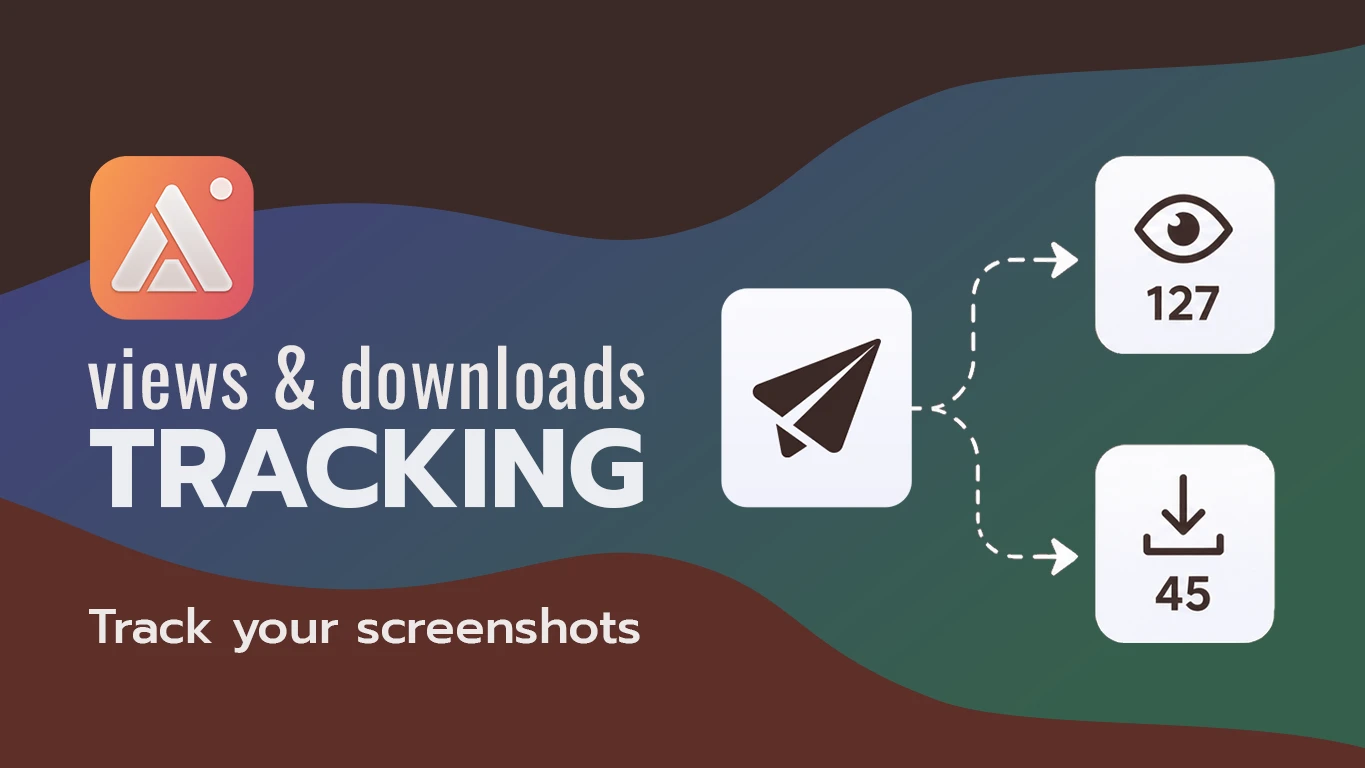
Sending a mockup, a proposal screenshot, or a deliverable and then waiting to hear back is its own kind of limbo. Did they open it? Did it get buried in their inbox? The awkward "just following up on this" message only exists because most ways of sending a file don't tell you anything after you hit send. AldooSnap link does — every one reports back.
Sending a File Is Usually a Black Box
An email attachment or a dragged-in file gives no signal once it leaves your outbox. It might have been opened immediately, or it might be sitting unread. Without that signal, following up becomes a guess: too soon and it looks impatient, too late and the client has moved on to something else.
Every Link Reports Back
A capture shared with Copy share link keeps a running count of views and downloads, visible in your account the moment someone opens it — no read receipt to configure, no tracking pixel to set up separately.
- Capture the mockup, screenshot, or file preview — Image or Video, whichever fits what you're sending.
- Click Copy share link and send it the way you normally would — email, chat, a client portal.
- Open your account's Files gallery whenever you want to check in. The view and download counts on that item update as people open the link, without you needing to ask them directly.
One Gallery for Everything You've Sent
Every link lives in the same Files gallery — searchable by name, filterable by type, with thumbnails and per-item view and download counts shown right in the grid. A quick Copy link button on each thumbnail makes it easy to resend the same link later without digging back through old messages to find it.
A Landing Page, Not a Raw File
Whoever opens the link lands on a clean public viewer page — the capture centered on a dark stage, with the title, file size, and a download button, instead of a bare file dropping straight into their Downloads folder. It reads like something meant to be shared, not an attachment that happened to end up online.
Counts Update Without a Refresh
Views and downloads show up in your gallery and account stats as they happen, not after a manual refresh — useful if you're checking from your phone right after sending something from your Mac, or just keeping a tab open while you wait to hear back.
None of this replaces an actual reply — a view count says someone looked, not that they agreed. But it turns "did you see this?" from a guess into something you can check before you ask.